School Portal Landing Page
The central entry hub for school administrators, teachers, students, and parents. This page provides general system information, access to login portals, and mobile app download links.
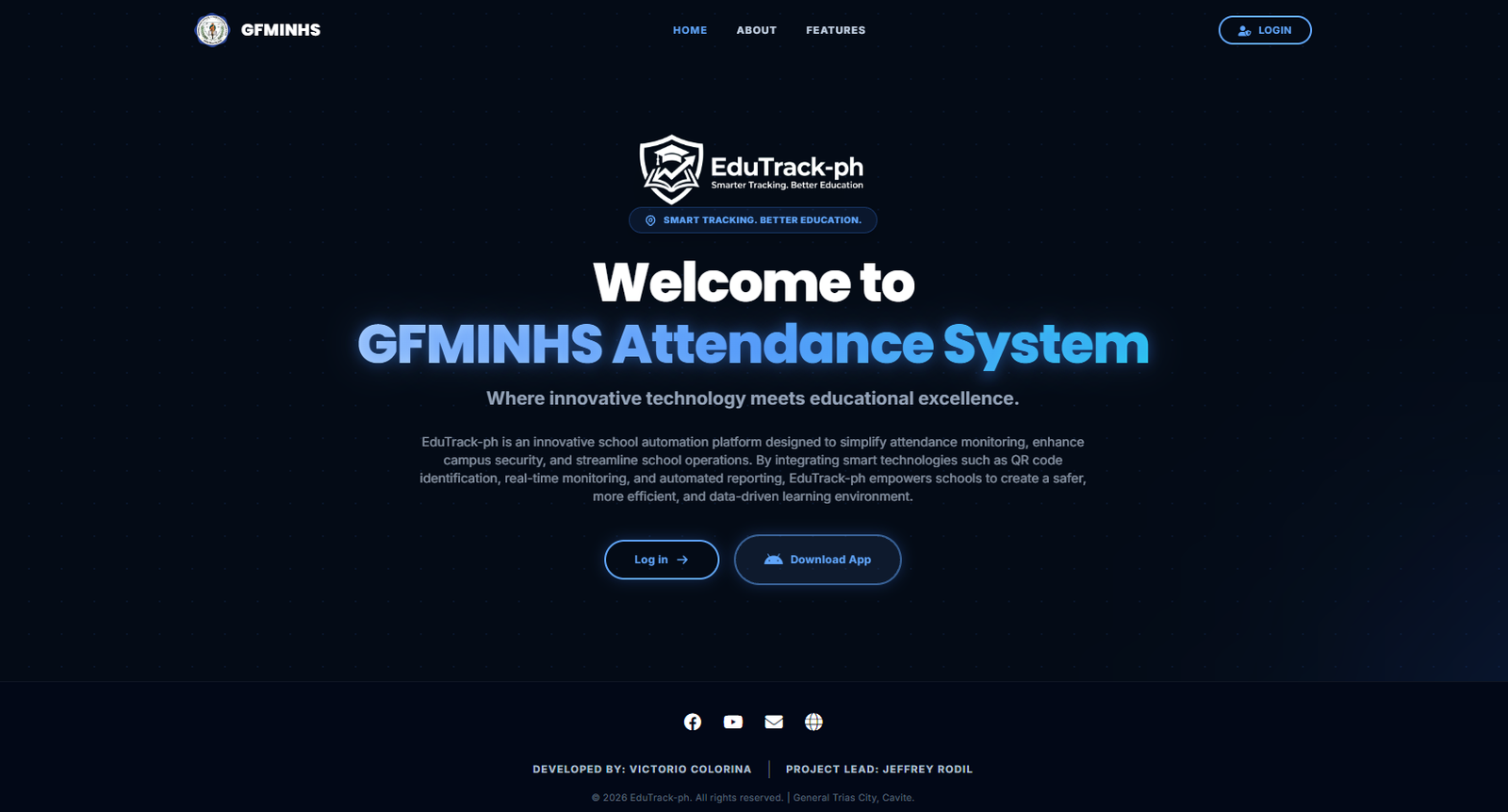
Figure 1.1: EduTrack-ph School Portal Main Landing Page
Key Elements & Navigation
Top Navigation Bar
Contains school branding (GFMINHS), quick jump links to Home, About, and Features, and the top-right LOGIN button.
Log in Button (Center & Top)
Directs authorized personnel (Admins, Teachers, and Staff) to the system authentication page to access their dashboards.
Download App Button
Allows parents and guardians to download the official Android APK / Mobile App to monitor their child's real-time attendance logs.
Footer & Social Links
Provides official school/developer contact channels (Facebook, YouTube, Email, Web) and credits.
How to Use This Page
-
1
Logging in to your Account (Teachers & Admins)
Click on either the "Log in →" central button or the "LOGIN" button in the top right corner to proceed to the credential entry screen.
-
2
Installing the Parents' Mobile App
Click the "Download App" button (with the Android icon) to download the APK file directly to your smartphone. Once downloaded, open the file to install.
-
3
Exploring System Information
Scroll down or click About / Features in the header to view platform capabilities such as QR code scanning, campus security, and automated reports.