Pending Registrations & Approvals
The registrar gatekeeping queue. Review self-registered faculty accounts, verify official DepEd credentials, assign permissions, and approve portal access.
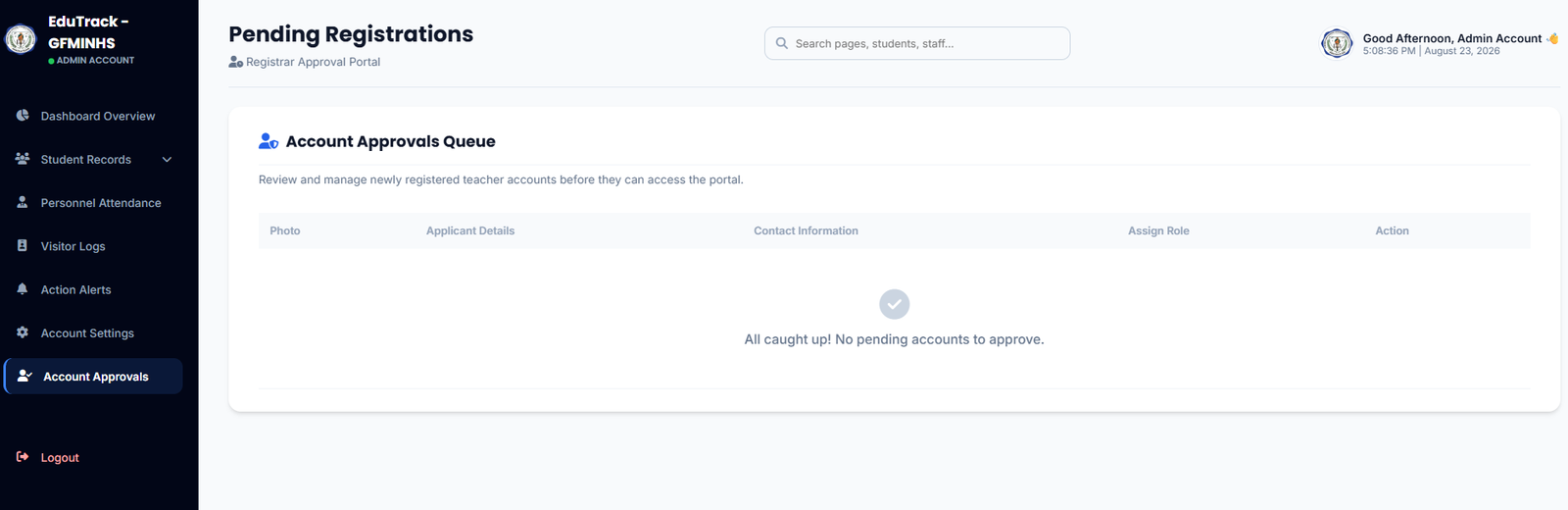
Figure 3.4: Registrar Account Approvals Queue with applicant verification ledger
Queue Ledger Structure
👤 Applicant Details & ID
Displays the applicant's submitted full name, official DepEd email, Employee ID number, and uploaded profile image for identity verification.
🏷️ Role Assignment
Allows the administrator to define system access levels (e.g., Teacher, Classroom Adviser, Department Head, or Co-Admin) prior to approval.
⚡ Approve / Deny Actions
Approve grants instantaneous login access and provisions the teacher into the visual scheduler; Reject removes unverified or spam registrations.
How to Process New Registrations
-
1
Review Pending Applicants
When teachers self-register via the homepage login modal, their profiles appear in this queue with status Pending Verification.
-
2
Verify Institutional Credentials
Cross-reference the submitted Employee Number and DepEd Email against official school faculty records.
-
3
Set Role & Click Approve
Select their appropriate role in the Assign Role dropdown and click Approve. The teacher can immediately sign in to their account.